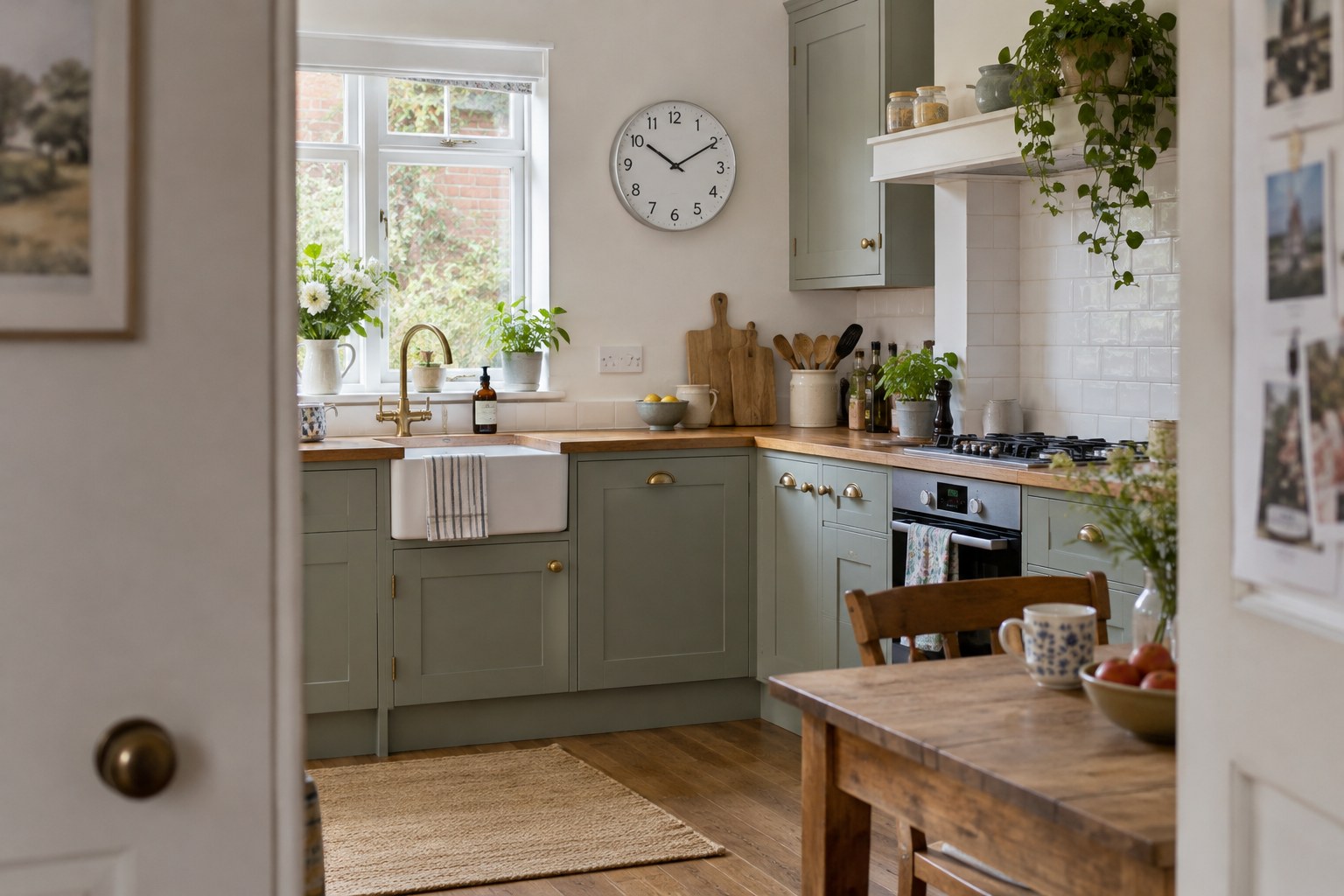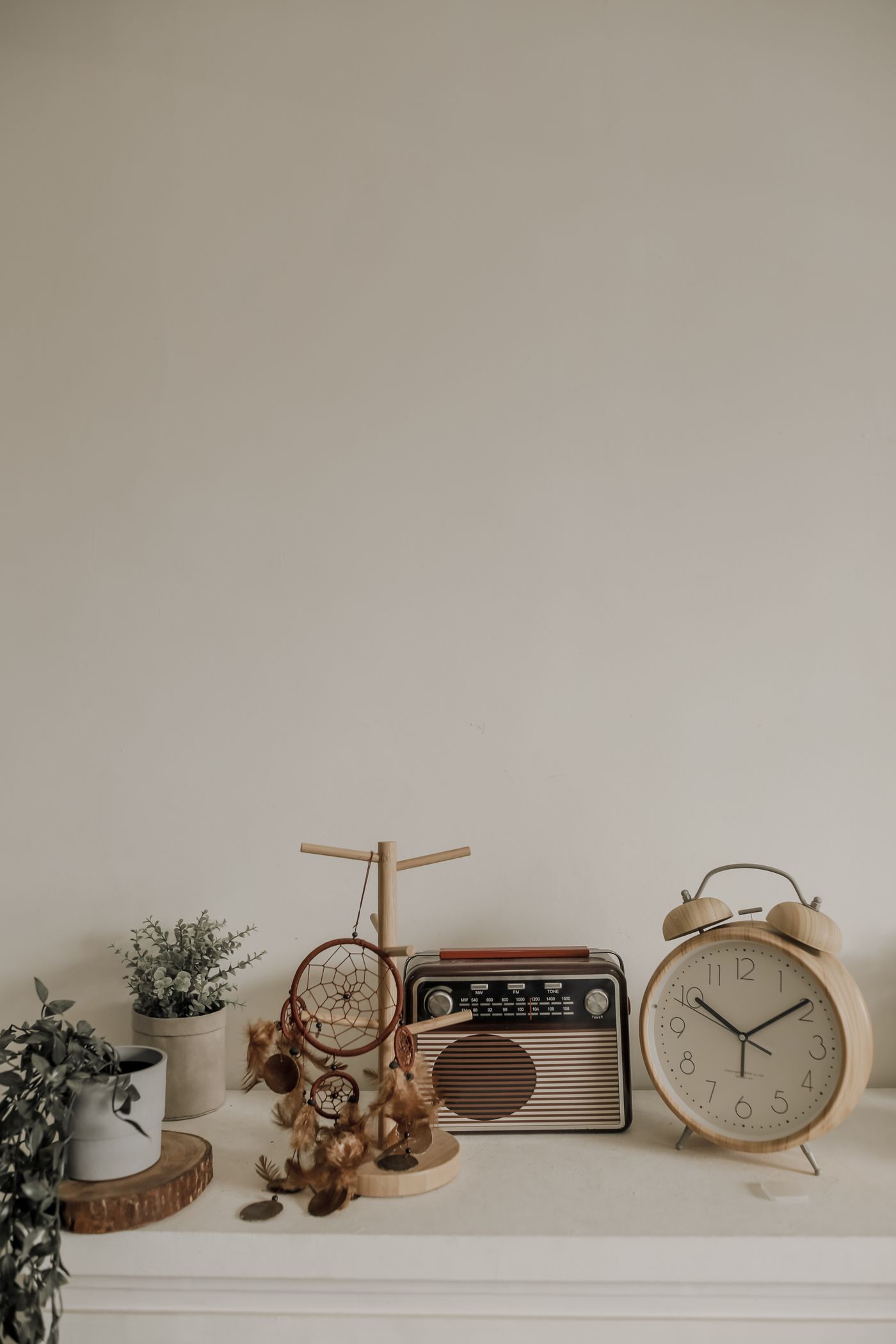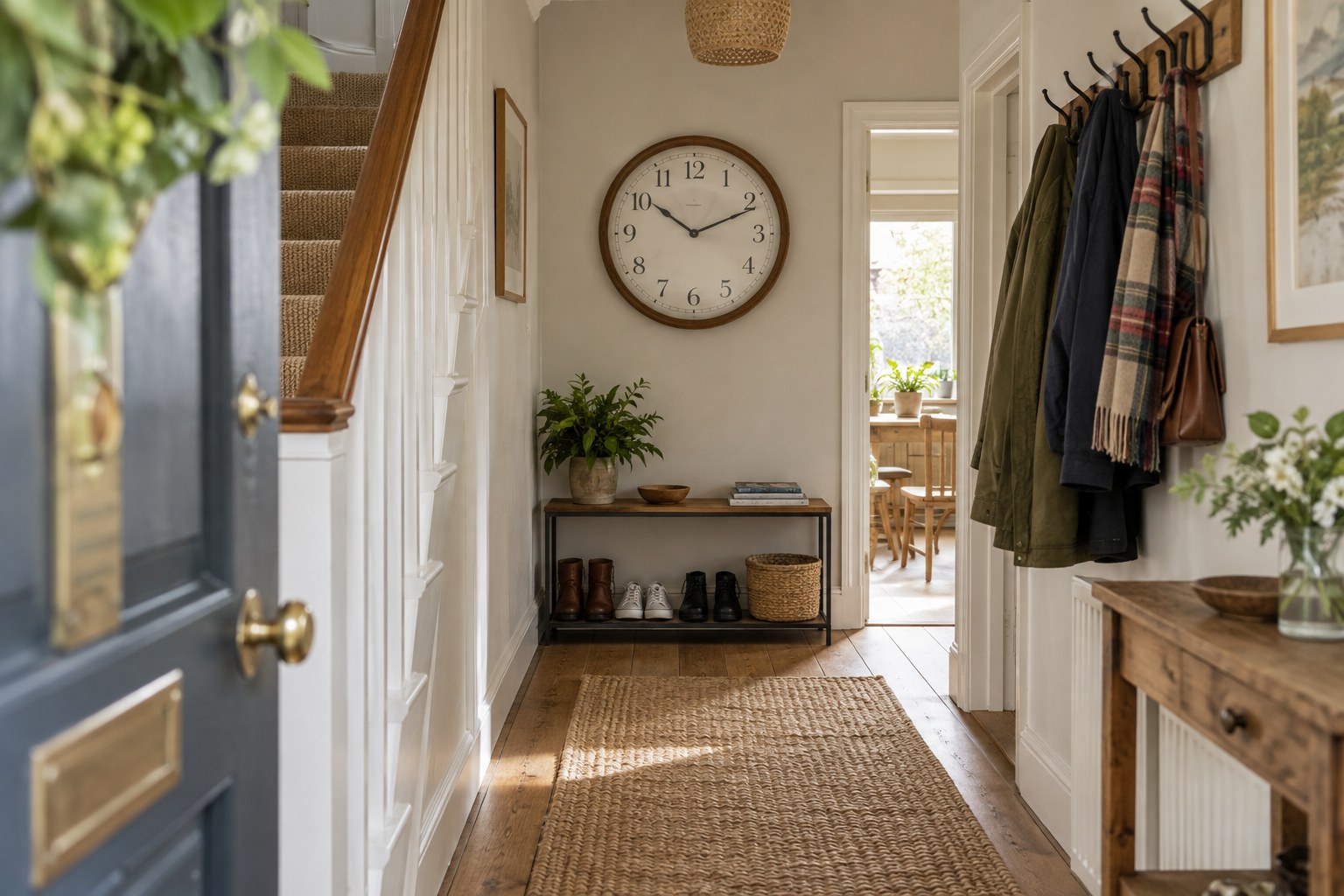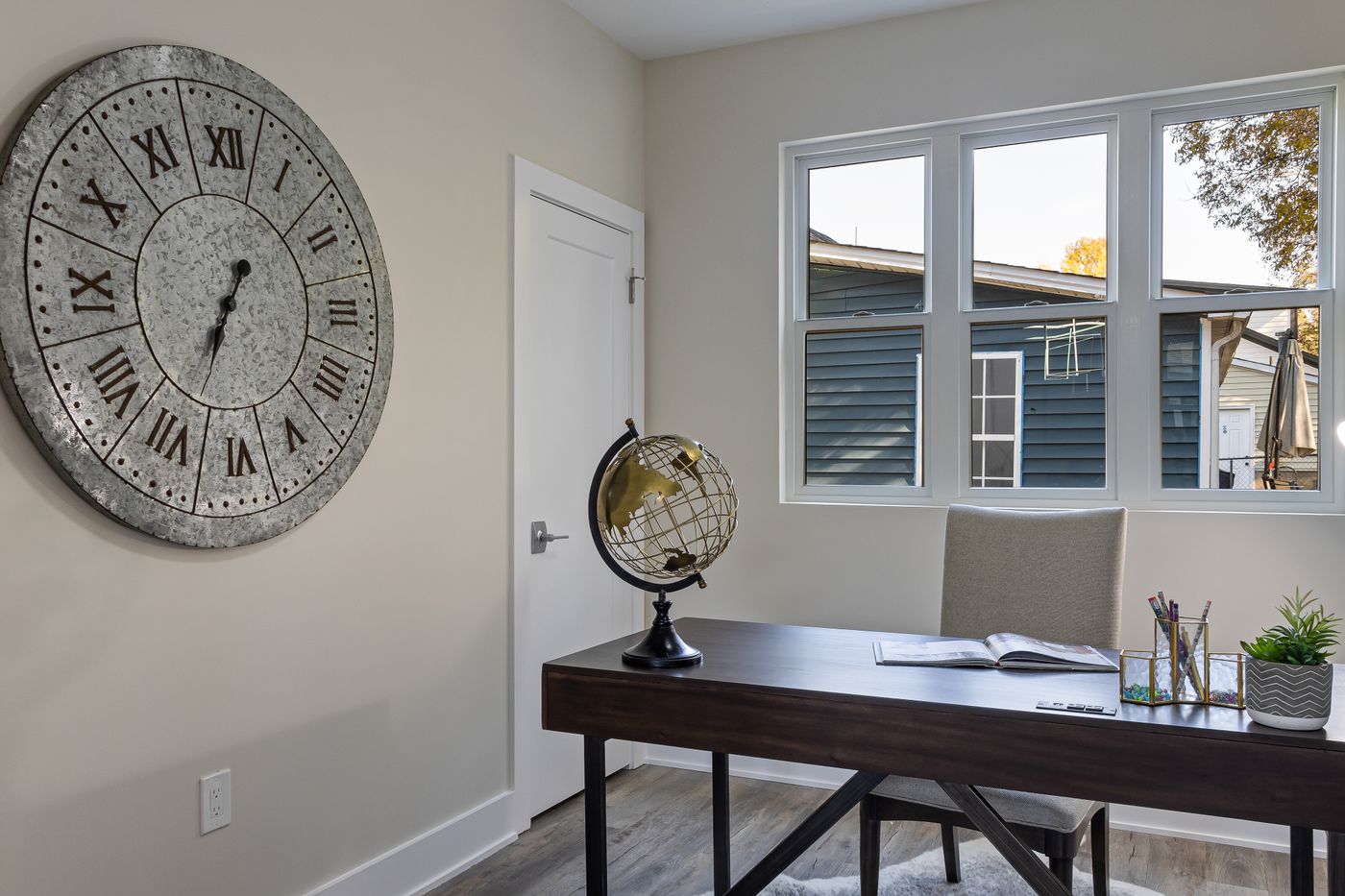
Start in the working position
Sit at the desk with the chair and monitor at their usual positions. Look up briefly rather than tilting your whole head. The patch of wall you can see comfortably is the useful starting area. A clock placed for someone standing in the room can end up too high for the person who works there.
Mock up the diameter on paper. Check that the bottom of the case clears the monitor, including any future height adjustment. A wide monitor arm can change the available view substantially when the screen is pulled forwards or moved to one side.
Keep visual tasks separate
A highly patterned dial immediately above a busy screen can add unnecessary visual competition. Consider a plain face with a distinct minute hand. If you use video calls, check the camera preview as well: a clock behind you has different placement needs from one you want to read in front of you.
Try the desk lamp in its normal position. Reflections may appear only when you lean back, so inspect from more than one posture. Avoid relying on a lamp aimed directly at the clock if that creates glare on the monitor or puts a bright source in your eyes.
Think about sound and access
A quiet room makes small mechanical sounds more noticeable. Check the seller's description carefully and, where possible, listen to the model before buying. A smooth second-hand motion and an absolute absence of sound are not interchangeable promises.
Keep safe access to the clock available after the desk is furnished. Battery changes should not involve standing on the desk or reaching across equipment. If wall access is awkward, a compact desk clock on a stable corner may meet the same need with less effort. Make the decision around how you actually work.