Identify the type of clock
A modern quartz clock may have a rear setting wheel, a digital clock may use buttons, and a mechanical clock may require a different procedure altogether. Radio-controlled clocks can add automatic positioning and reset steps. Find the manual for the exact model rather than borrowing instructions from a similar-looking case. If the clock has a date display, chime or other complication, those features may affect the setting sequence. On an unknown vintage clock, ask a suitable horologist before making a large change. A familiar dial does not mean the mechanism behind it is familiar.
Use only the intended control
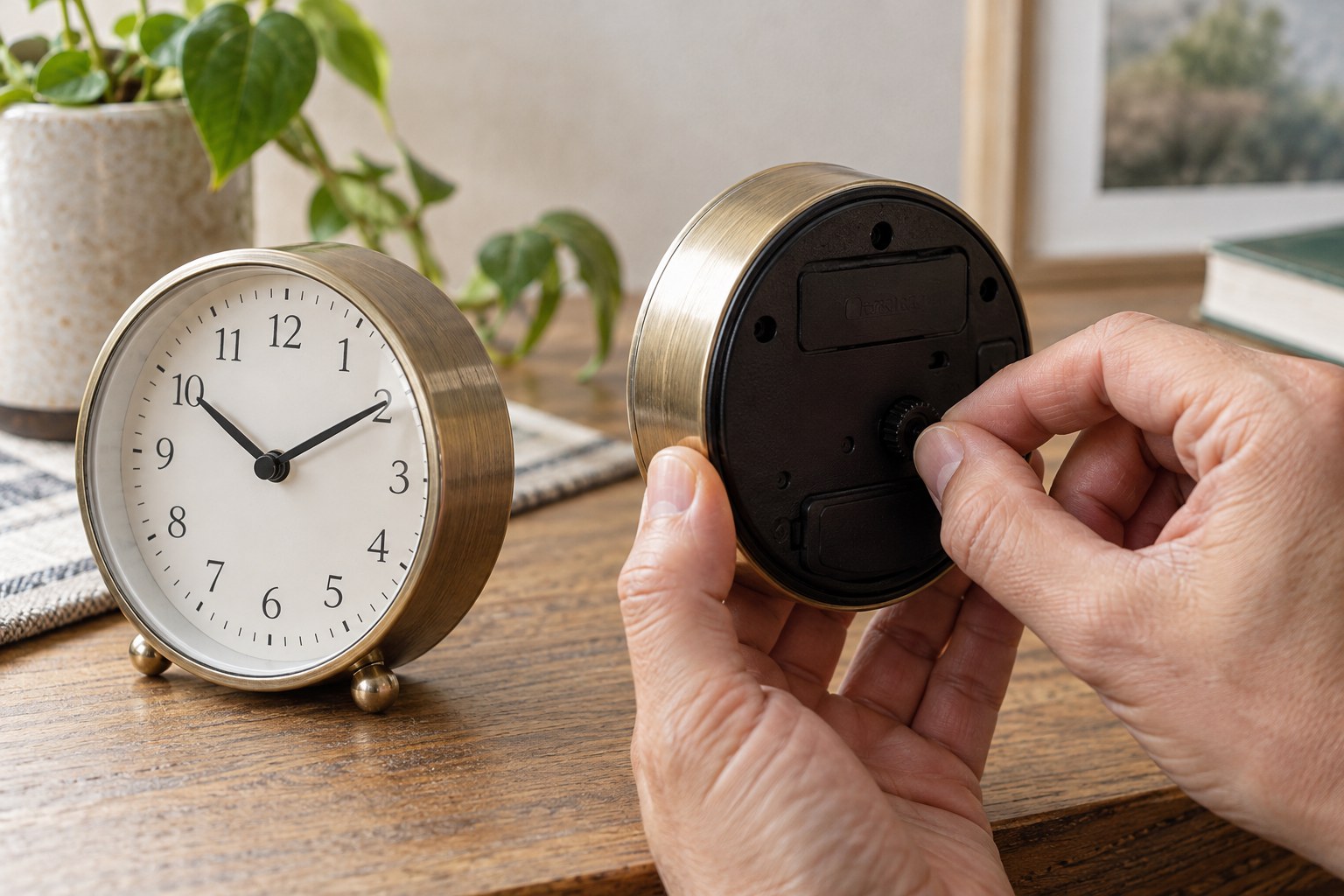
For a clock whose manual specifies a setting wheel, support the case and use that wheel as directed. Do not push the hands around from the front simply because they are easy to reach. Follow any stated direction of adjustment and pause requirements for the particular mechanism. If a control becomes unexpectedly stiff, stop rather than applying more force. Check whether you have selected the correct setting mode or control before trying again. Do not move a seconds hand independently to make it match a reference unless the manufacturer explicitly provides that procedure.
Confirm the result calmly
After setting, check that the clock runs normally and that the alarm, date or other associated feature remains correct. A twelve-hour digital display needs an AM or PM check; an analogue alarm may need its own pointer reset. If the clock automatically receives time, allow the documented update process instead of repeatedly overriding it. Note any resistance or unusual behaviour for a repair enquiry. Icon's clock-care guidance recommends professional advice when hand setting meets unexpected resistance. That is a useful stopping point, not an invitation to find a stronger grip.