Record the symptom first
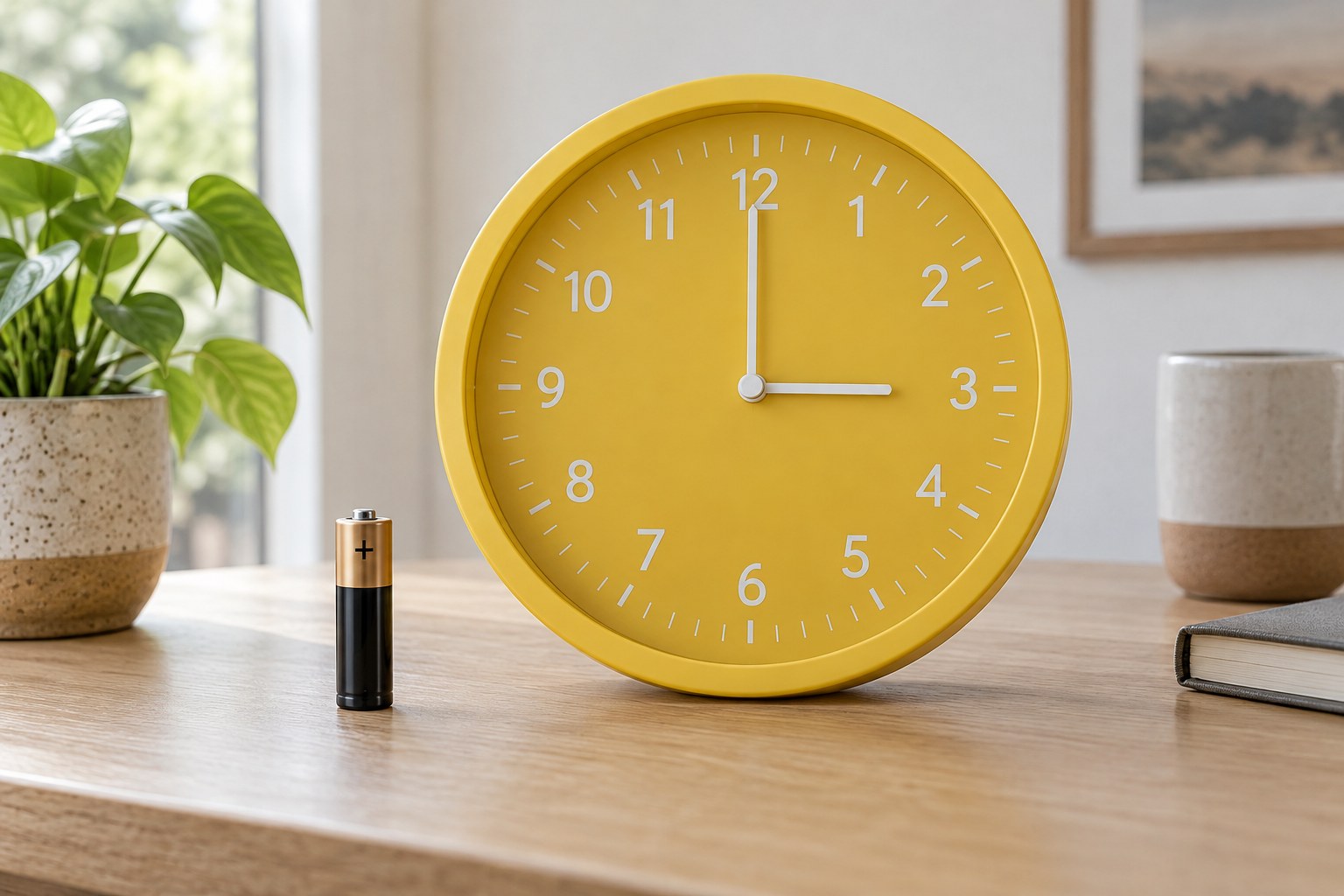
Note whether every hand has stopped, the seconds hand twitches, or the clock stops repeatedly at a similar position. Write down when the behaviour began and whether the clock was recently moved or had its battery changed. This short history is useful if you later contact the maker. Take the clock down safely and support the case on a clear surface without resting it on exposed hands. These checks are for a modern owner-accessible quartz clock, not an antique, a mains-powered mechanism or a sealed assembly that requires dismantling.
Check the intended power supply
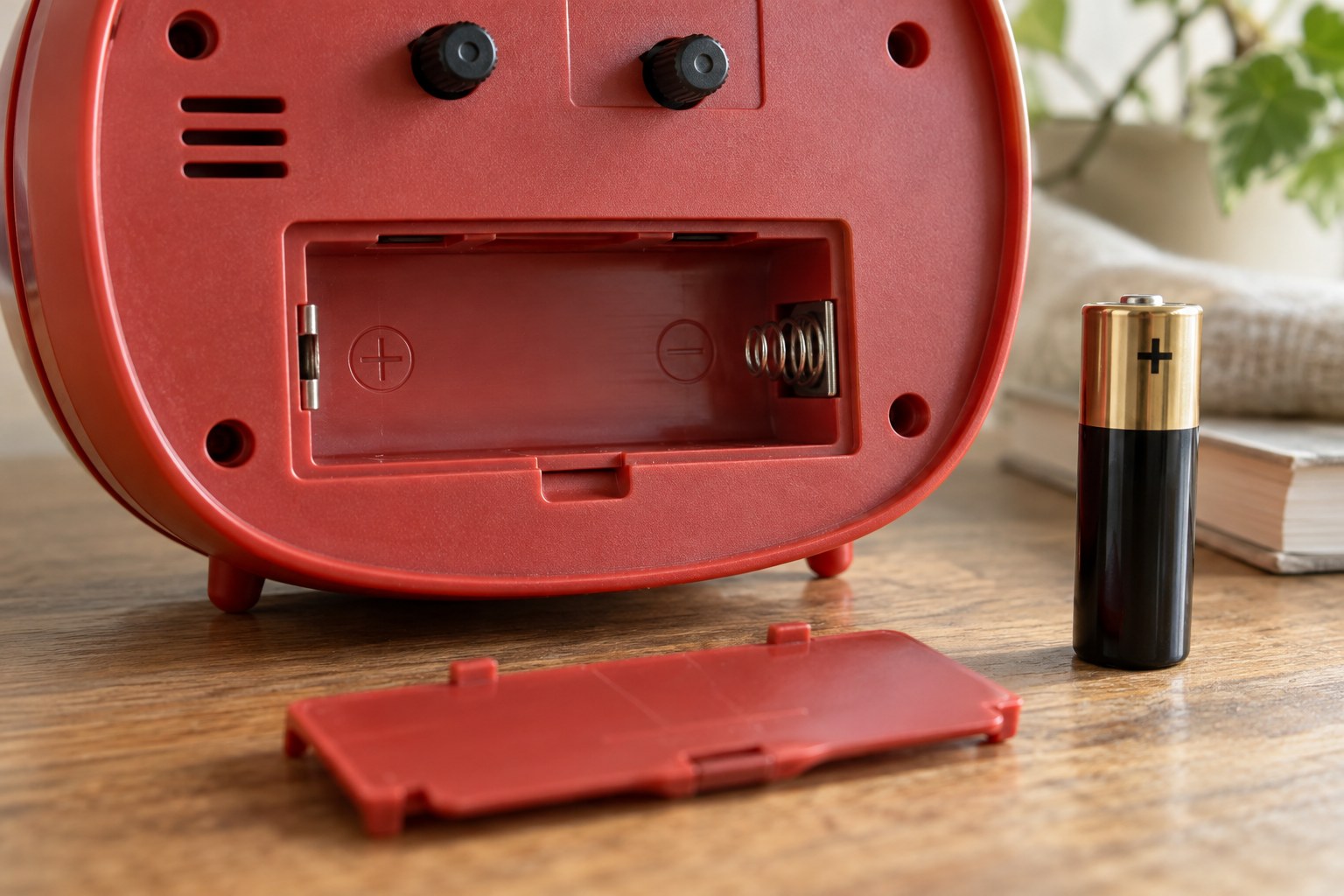
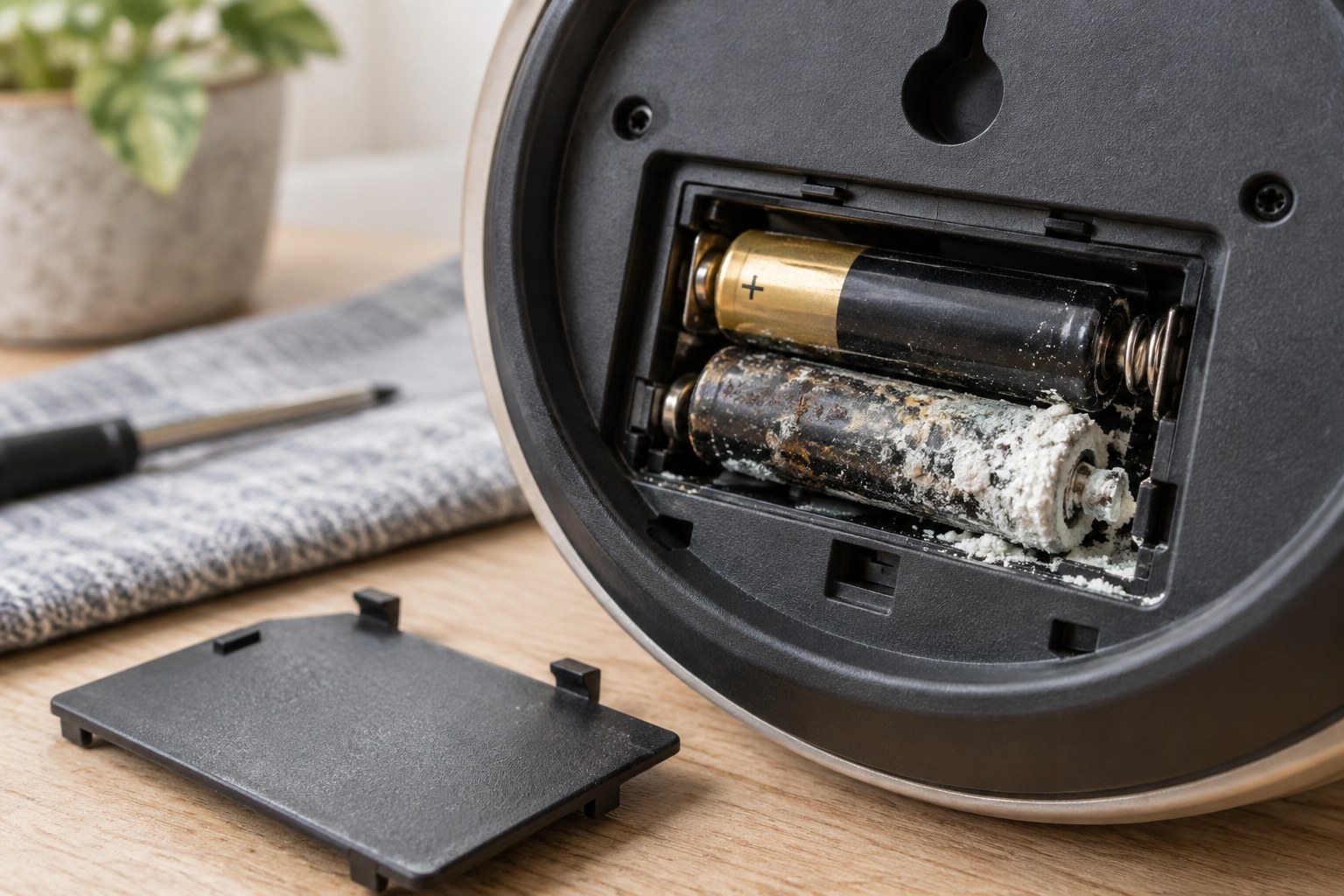
Read the battery specification and polarity markings. If the cell is simply depleted and the compartment is sound, replace it with the specified type using the manual's procedure. Do not combine different cells in a multi-cell set or substitute another size because it seems to fit. If you notice residue, swelling, a damaged wrapper or a stuck battery, stop the routine change and seek handling advice from the manufacturer. Check that the normal compartment lid closes properly. A radio-controlled clock may need time or a reset sequence after replacement, so consult its instructions before judging the result.
Observe without forcing anything
Look through the cover to see whether a hand appears to catch another hand, the dial or the glass. Do not push it free through a gap or twist the shaft. If the clock remains stopped after the permitted checks, keep a photograph of its label and a description of what you tried. Ask about warranty support or a suitable repair route. Repeatedly tapping or shaking the case adds little diagnostic value and can create another fault. Leave internal adjustment to someone who can identify the movement and its requirements.