Show the whole object first
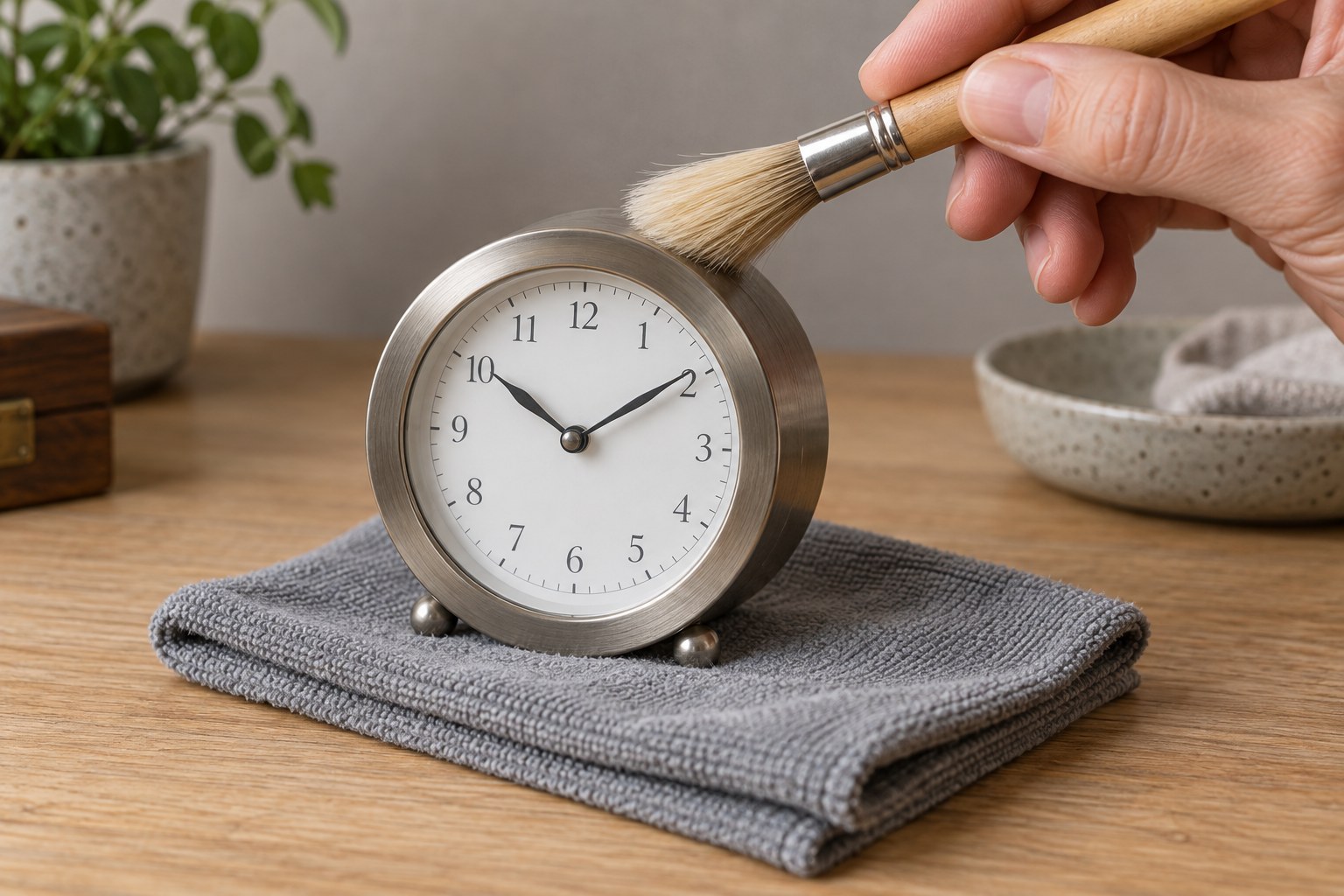
Take a straight-on photograph of the front in even daylight or soft room light. Include the entire case rather than cropping tightly around the dial. Add a side view to show depth and a rear view if it can be obtained safely. Keep the background simple so edges and damage remain visible. Avoid filters that alter colour or sharpen away fine cracks. If the clock is heavy, fragile or securely mounted in an awkward place, do not move it solely for a photograph; explain which views you cannot safely provide.
Add details that answer questions
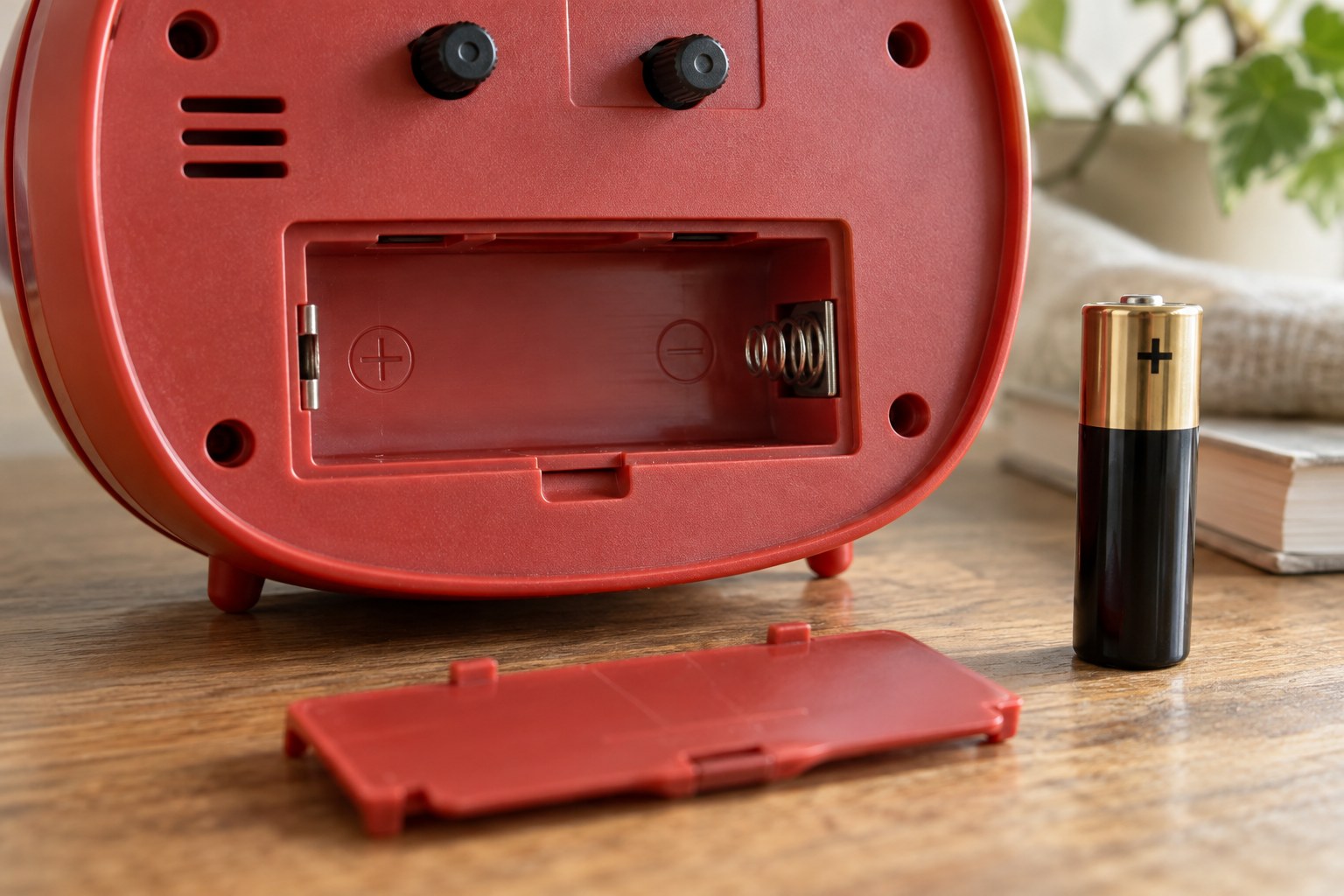
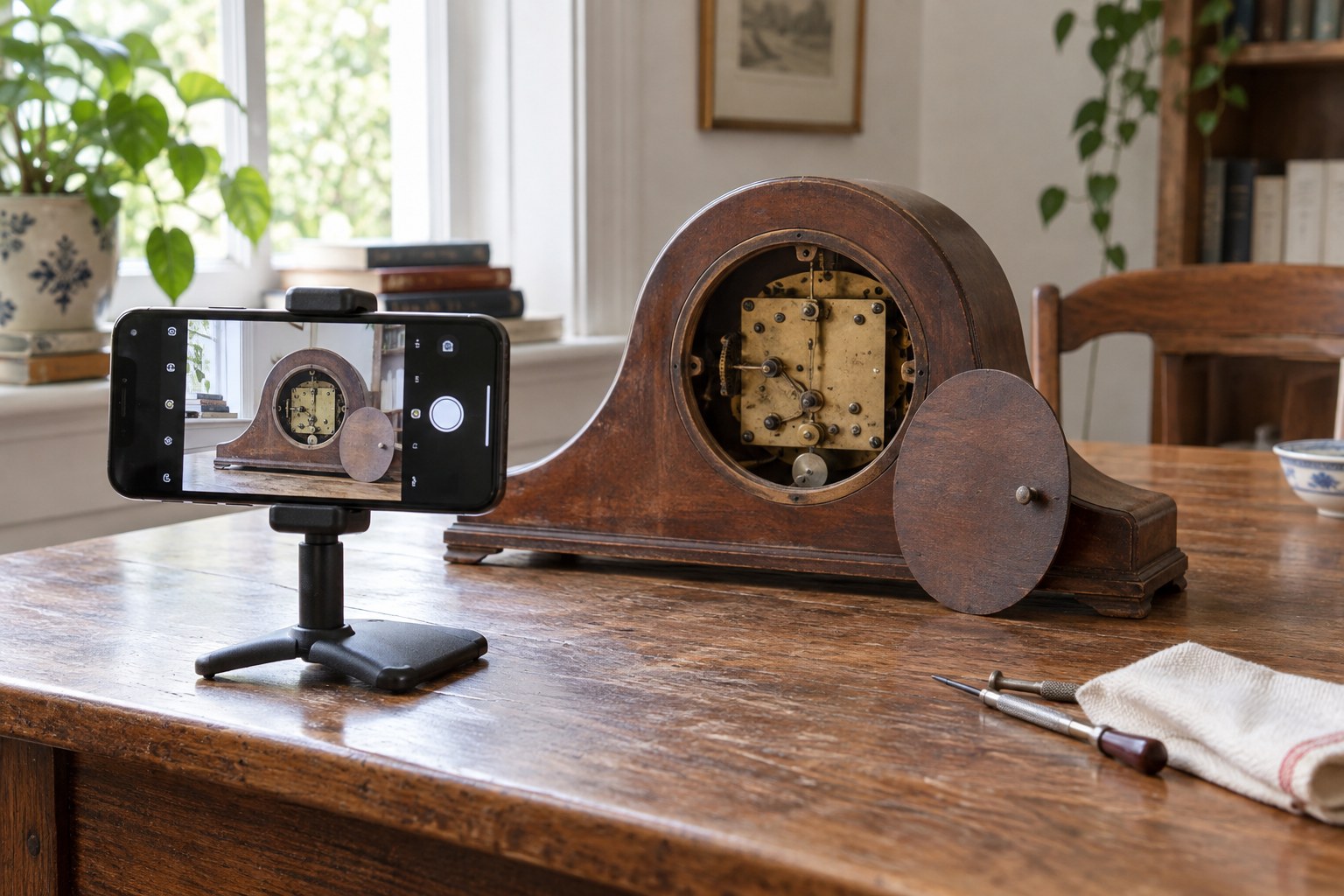
Photograph the model label, maker's name and any owner-accessible battery information. For a visible fault, take one wider picture showing its location and one closer view. A ruler placed beside the case can show scale, provided it does not rest on a fragile surface or exposed hands. Do not open a sealed movement or remove parts merely to obtain an internal image. If a normal access door can be opened safely under the clock's instructions, ask the repairer whether that view is needed before doing more. Avoid publishing serial numbers unnecessarily in public posts.
Send a concise history with the images
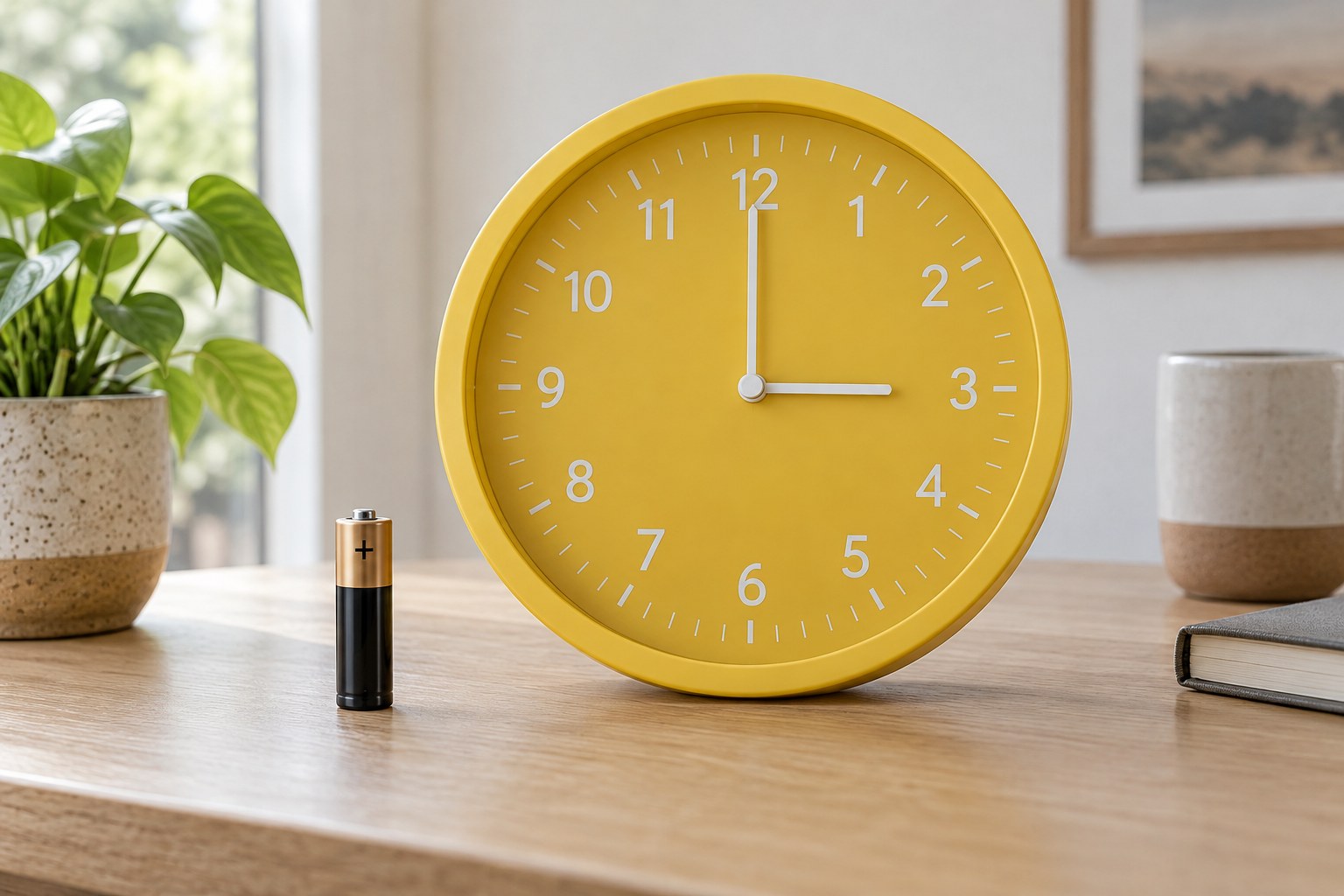
Explain the symptom in plain terms: when it began, whether it is constant and what happened immediately beforehand. List only checks you actually performed, including the battery type or any reset sequence. Say whether the clock was dropped, transported or previously repaired if known. Name the files by view or fault so the recipient can follow them easily. A short video may help with a sound or intermittent movement, but ask about file size before sending a large attachment. Keep the original photographs for later comparison and let the repairer request additional views rather than dismantling speculatively.